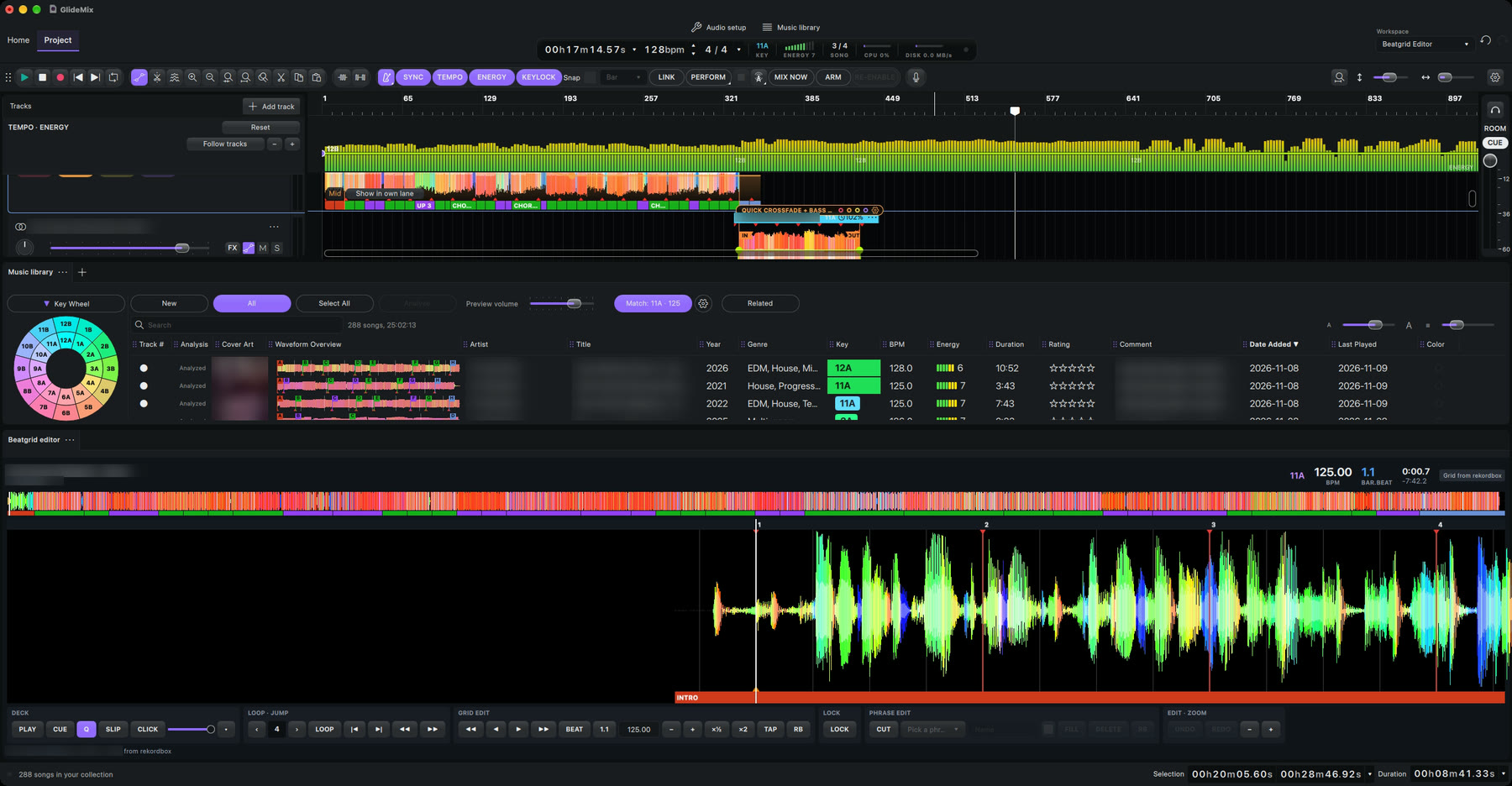
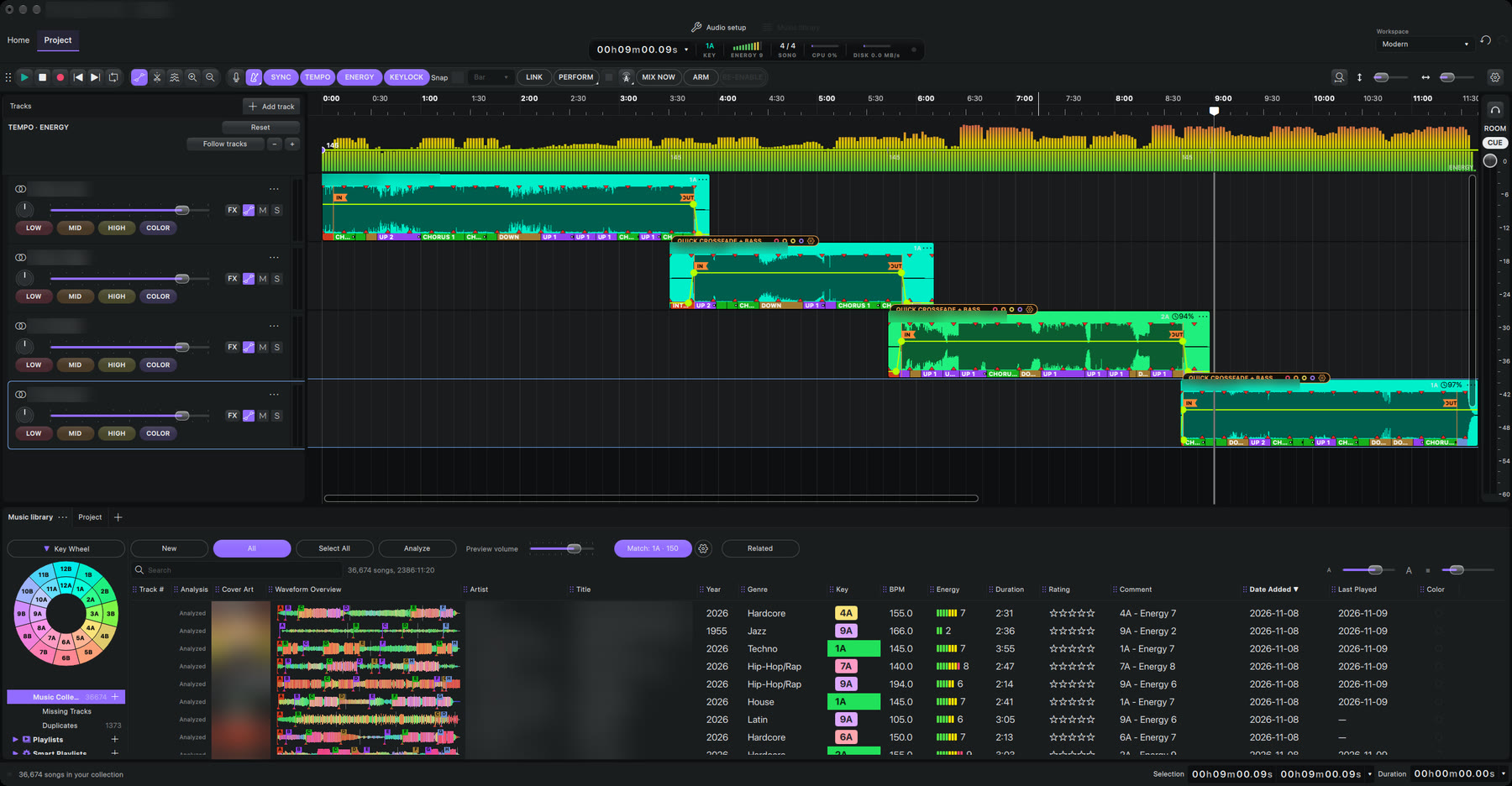
- A video lane under each track: its own video, image or cover art, or visuals that move with the music.
- Pictures that follow your mix. In a transition the videos blend the same way the sound does.
- Export the mix as a video for YouTube, with chapters for every song, or in portrait for Reels and TikTok.
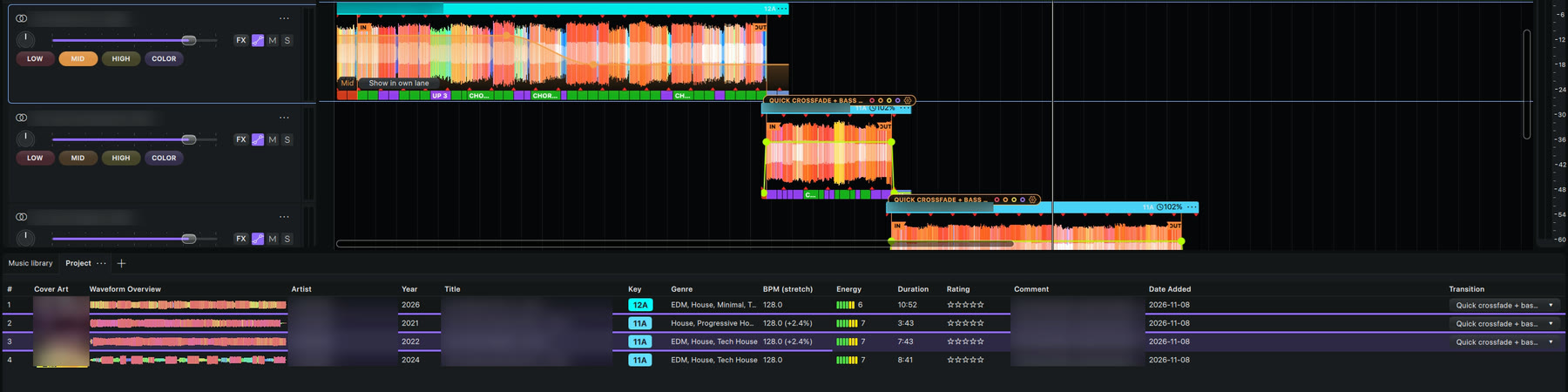
Your mix as a playlist: drag a song, the mix follows
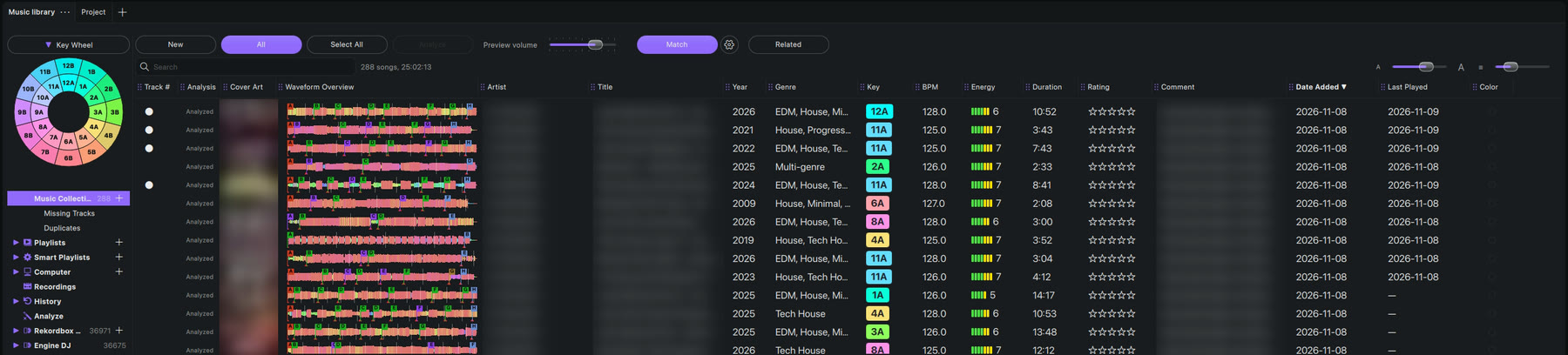
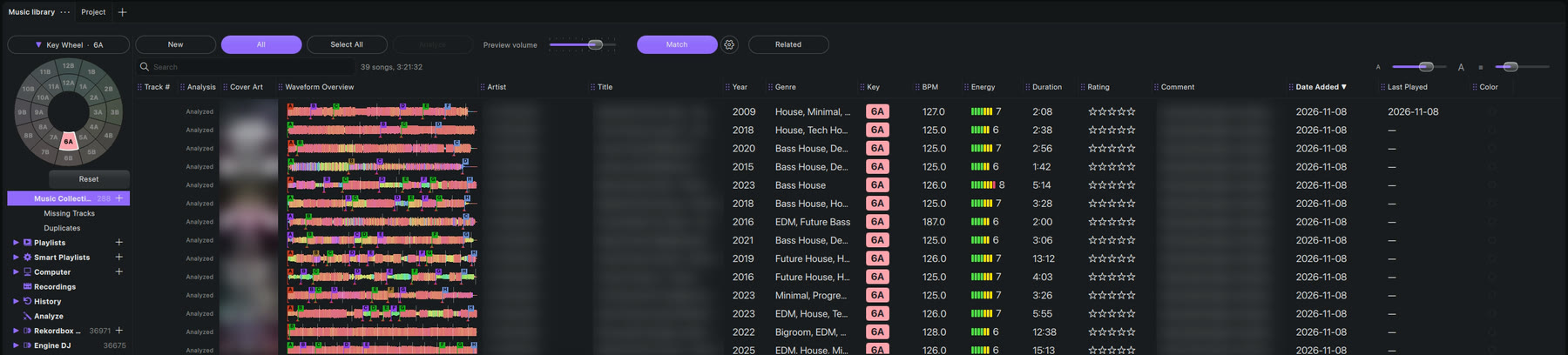
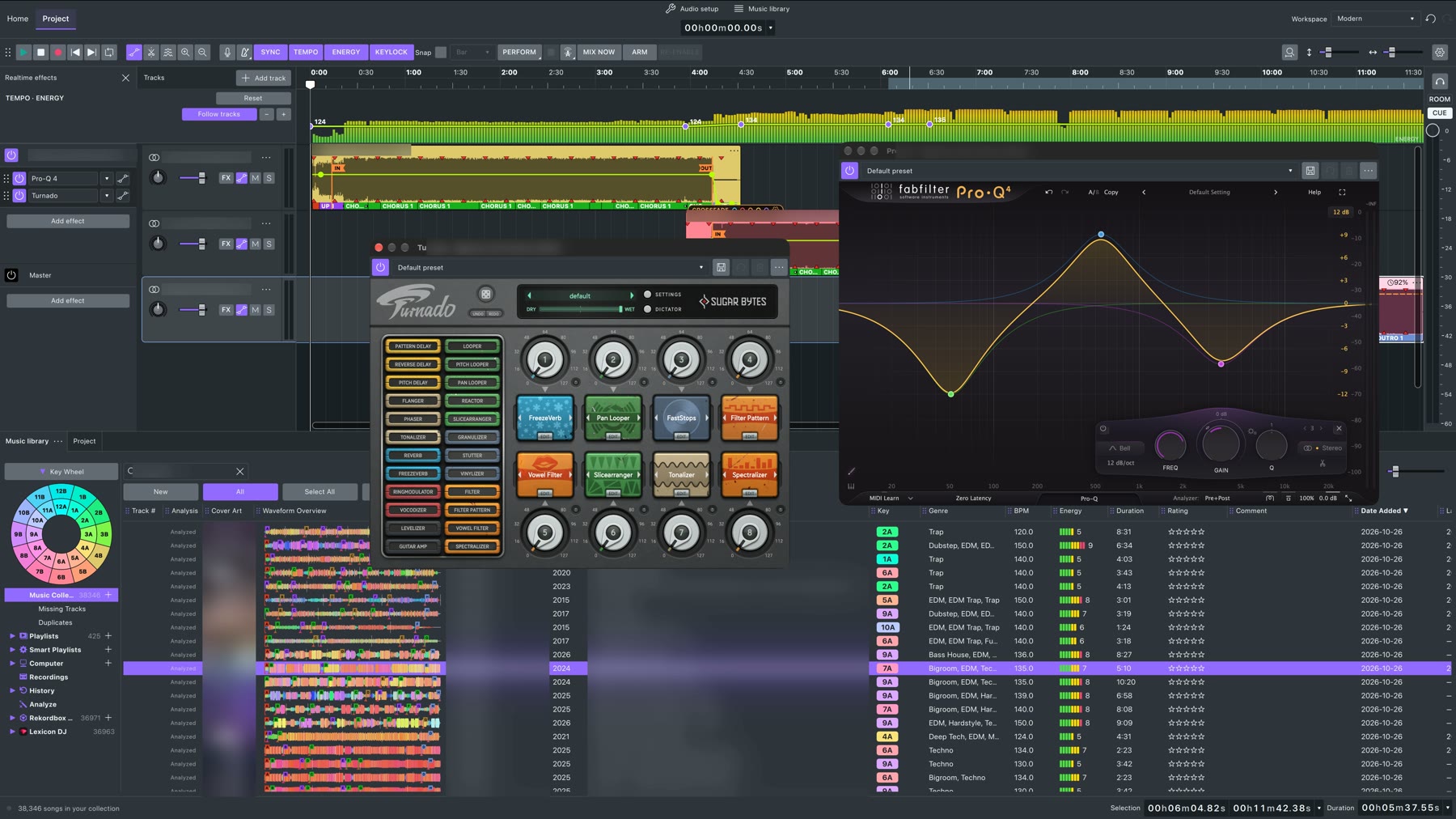
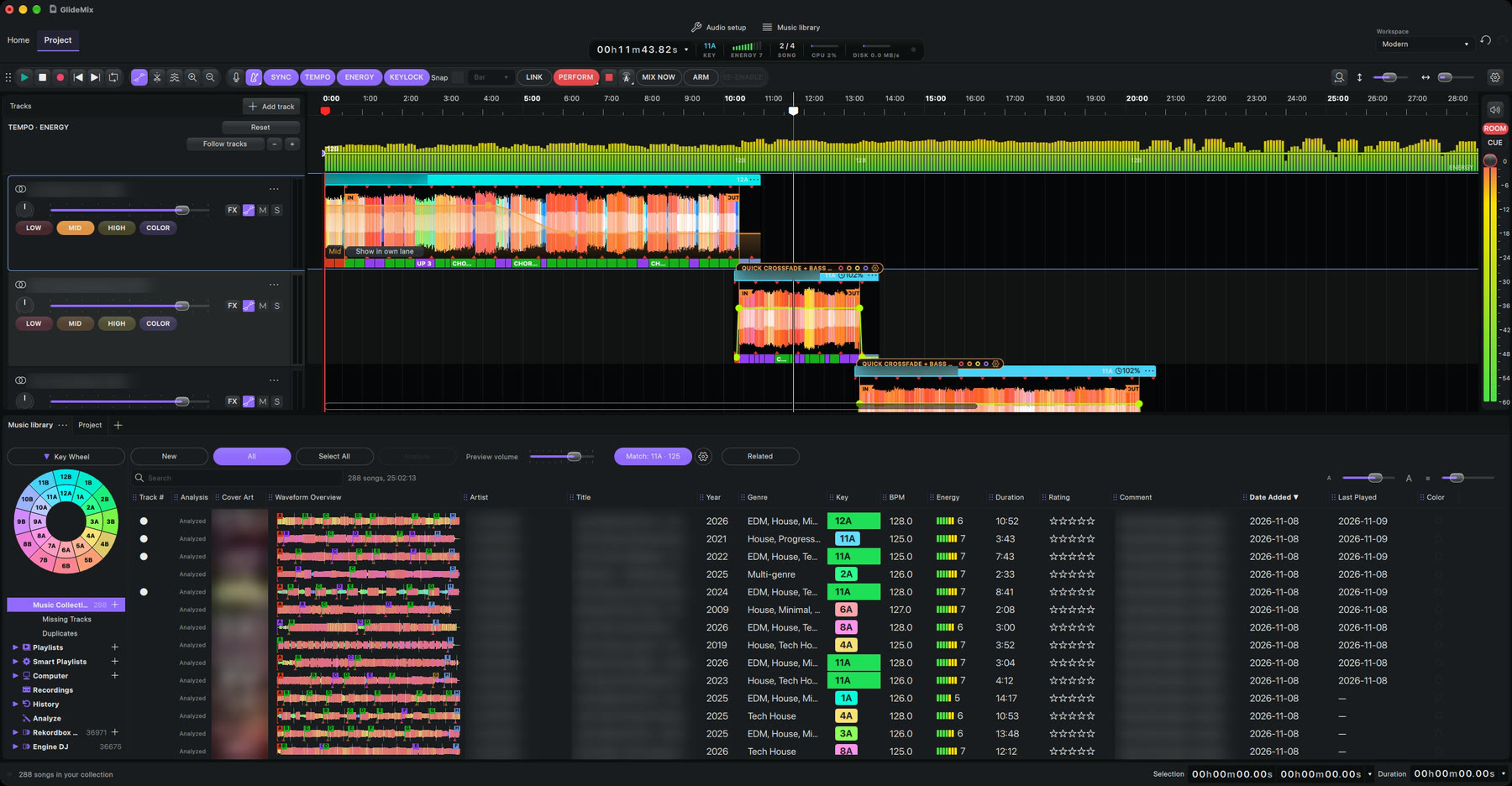
- The Project tab shows every song in your mix like the library: cover art, waveform, artist, title, key, genre, BPM with stretch, energy, duration and rating, with the transition pinned on the right.
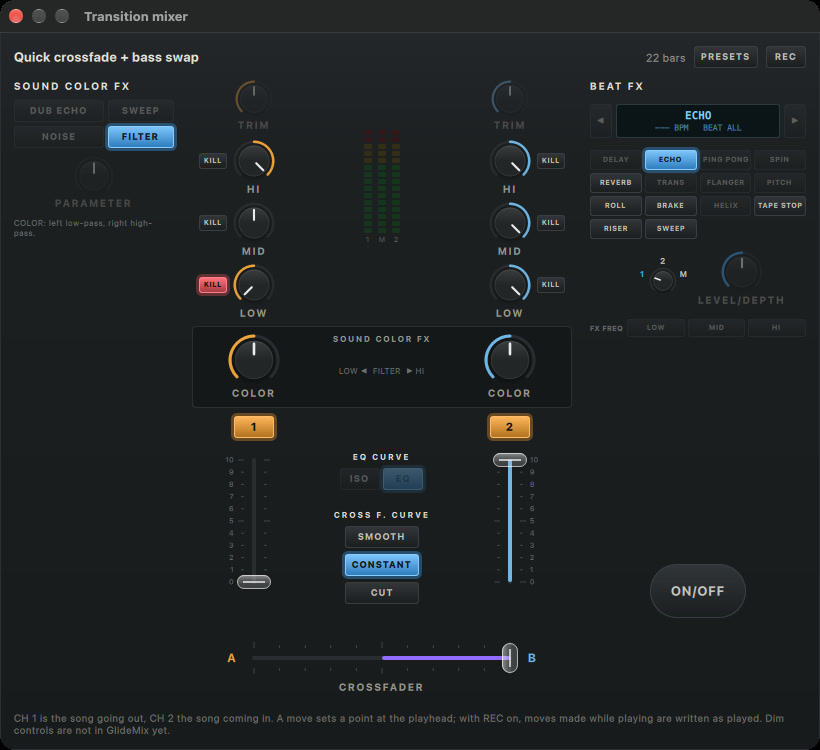
- Pick each transition from its row. It is saved with the project.
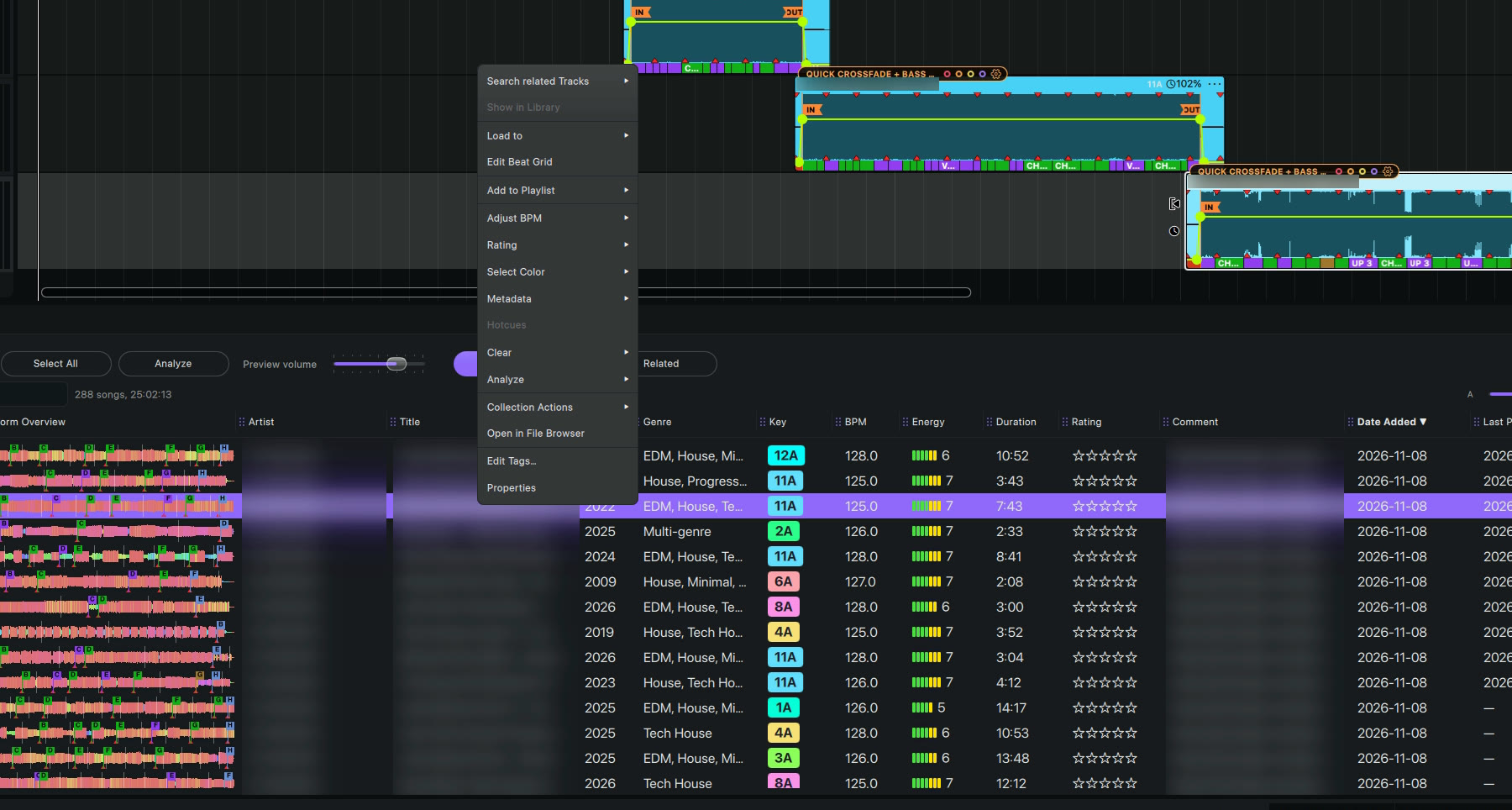
- Right-click a song and Show in Library finds the track, its album or its artist.
- Drag a row to reorder. Every song snaps in, IN on the previous OUT, the lanes follow, and one Undo puts it all back.
- A song added from the library always lands linked, however long the mix is, and deleting a song closes the gap.
- Click a row and the timeline zooms to that song. No more scrolling to the end of a long mix.
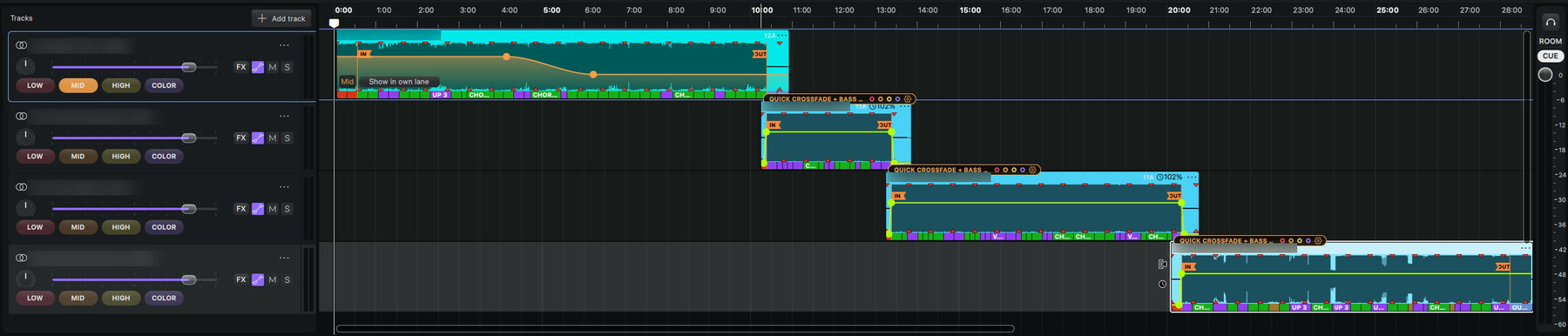
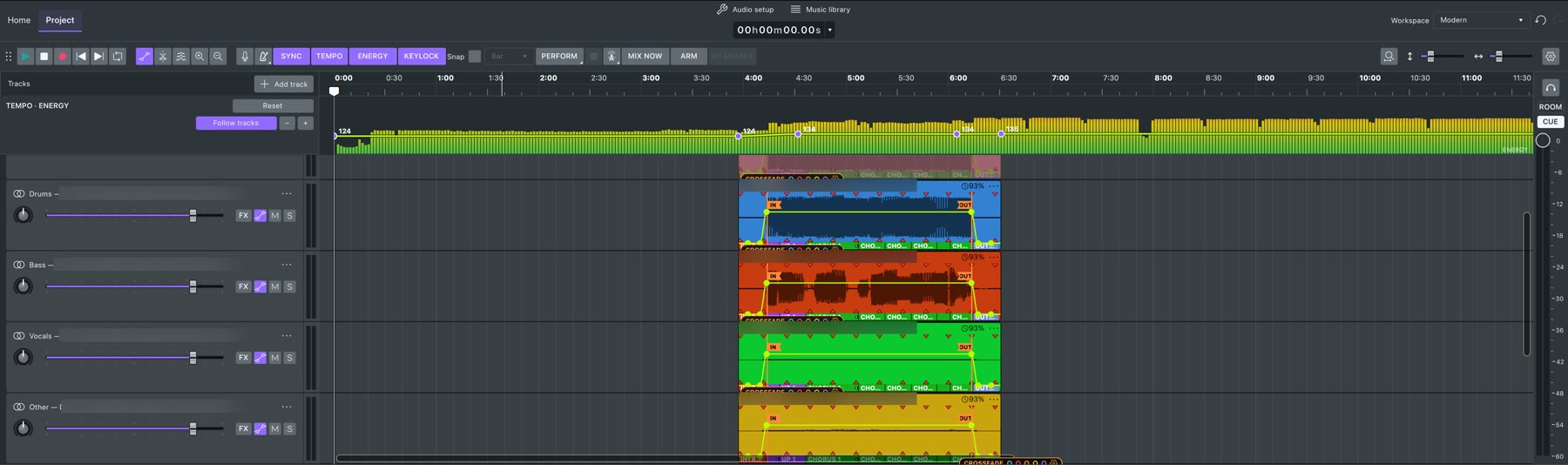
- Smooth blends by default: the new song fades in and is at full volume on its IN, the old one leaves after its OUT, and the bass changes hands right there.